
Axure RP Review: Interactive Prototyping
Advanced interactive prototypes and complex UX logic
Axure RP is the industry heavyweight for high-fidelity interactive wireframing. Where standard wireframe tools offer simple screen-to-screen hotspot linking, Axure features conditional branching, dynamic data repeaters, math variables, adaptive views, and functional form inputs.
Interface & Workflow Overview
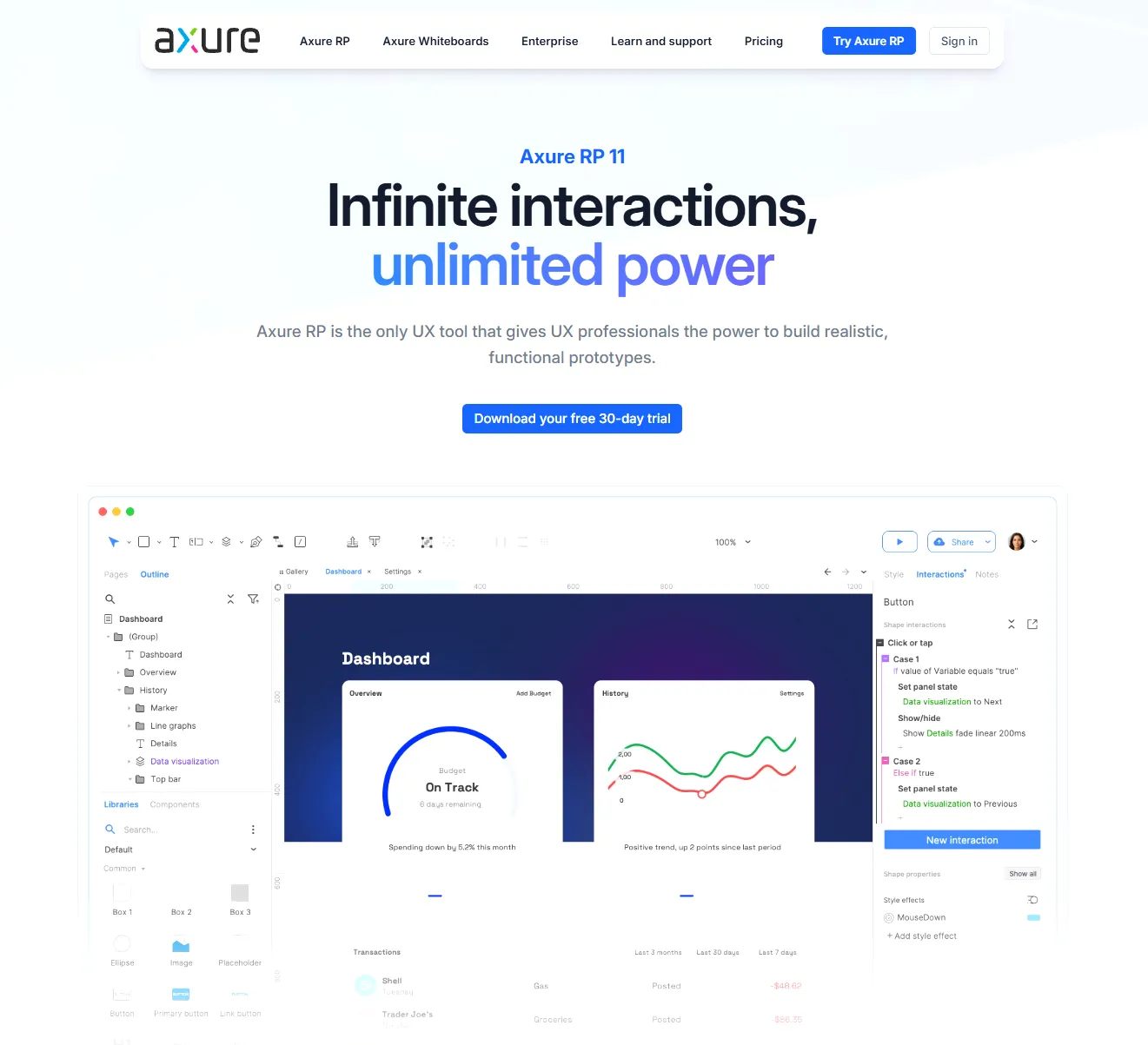
* Wireframe canvas layout generated from published vendor stencil architectures.
Key Advantages
- ✓Unrivaled functional prototyping: variables, logic conditions, and repeaters
- ✓Exports fully functional, offline-capable HTML/JS prototypes
- ✓Robust documentation generator produces complete software requirement specs
Documented Limitations
- —Steep learning curve resembling visual programming
- —No permanent free plan for non-commercial users
- —Visual design toolset feels dated compared to modern vector engines
Verified Pricing & Plan Tier Breakdown
Audited 2026-0330-day fully functional free trial. Axure RP Pro subscription $25/user/mo billed annually ($29 monthly); Axure RP Team $42/user/mo billed annually.
Technical Specifications Matrix
- License Model
- Proprietary Commercial
- Permanent Free Plan
- None (Trial or Paid Only)
- Free Trial Period
- Full Trial Available
- AI Capabilities
- None verified
- Collaboration Engine
- sharing, comments, version history, team workspaces
- Export Formats
- HTML/code, PDF, PNG, CSV
- Primary Target Use Cases
- prototype, website, mobile app, UX research
Frequently Asked Questions About Axure RP
Verified technical answers regarding wireframe creation, collaboration limits, and licensing in Axure RP.
What is Axure RP best used for?▼
Is Axure RP suitable for beginners?▼
How does Axure RP differ from Figma?▼
Alternative Tools & Competitors
Other software built for UI & Prototyping and High-Fidelity wireframing workflows.
 Figma
Industry-standard vector design and prototyping application built for browser-based multiplayer collaboration across wireframing and design systems.
Freemium · View profile → Penpot
The leading open-source, web-based design and prototyping platform built on open web standards like SVG and native CSS Flex/Grid.
Free · View profile → UXPin
Advanced design and prototyping platform featuring code-backed components, state logic, interactive variables, and component-driven workflows.
Free Trial · View profile →